Modern Fish Counting & Identification
Highly efficient fish counting and species identification software. Identify, count, and keep complete track of fish passage at your dam or fishway.

Watch Fish Tracker count a run at Bonneville Dam
We ran Fish Tracker on thirty seconds of public fish window footage from Bonneville Lock and Dam. Each green box is a tracked fish. The count increases when a fish crosses the yellow line, and fish that turn back are not counted.
More about detectionUpstream
Downstream
Net passage
Footage: U.S. Army Corps of Engineers, Bonneville Lock and Dam fish viewing window.
A clear workflow for every passage
Review likely events, confirm the count and species, and follow passage activity over time.
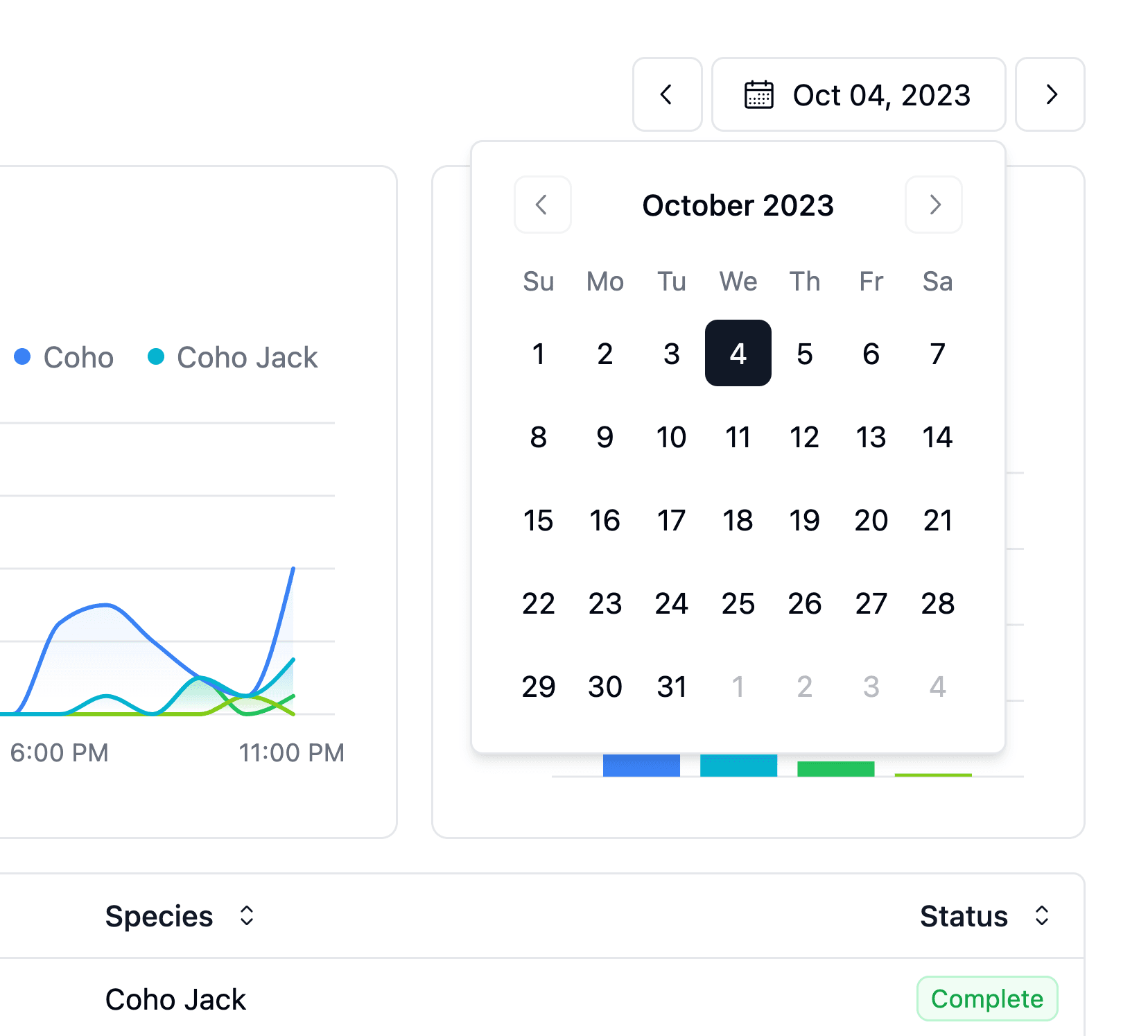
Focused review
Fish Tracker identifies likely passage events and organizes them by date for review.
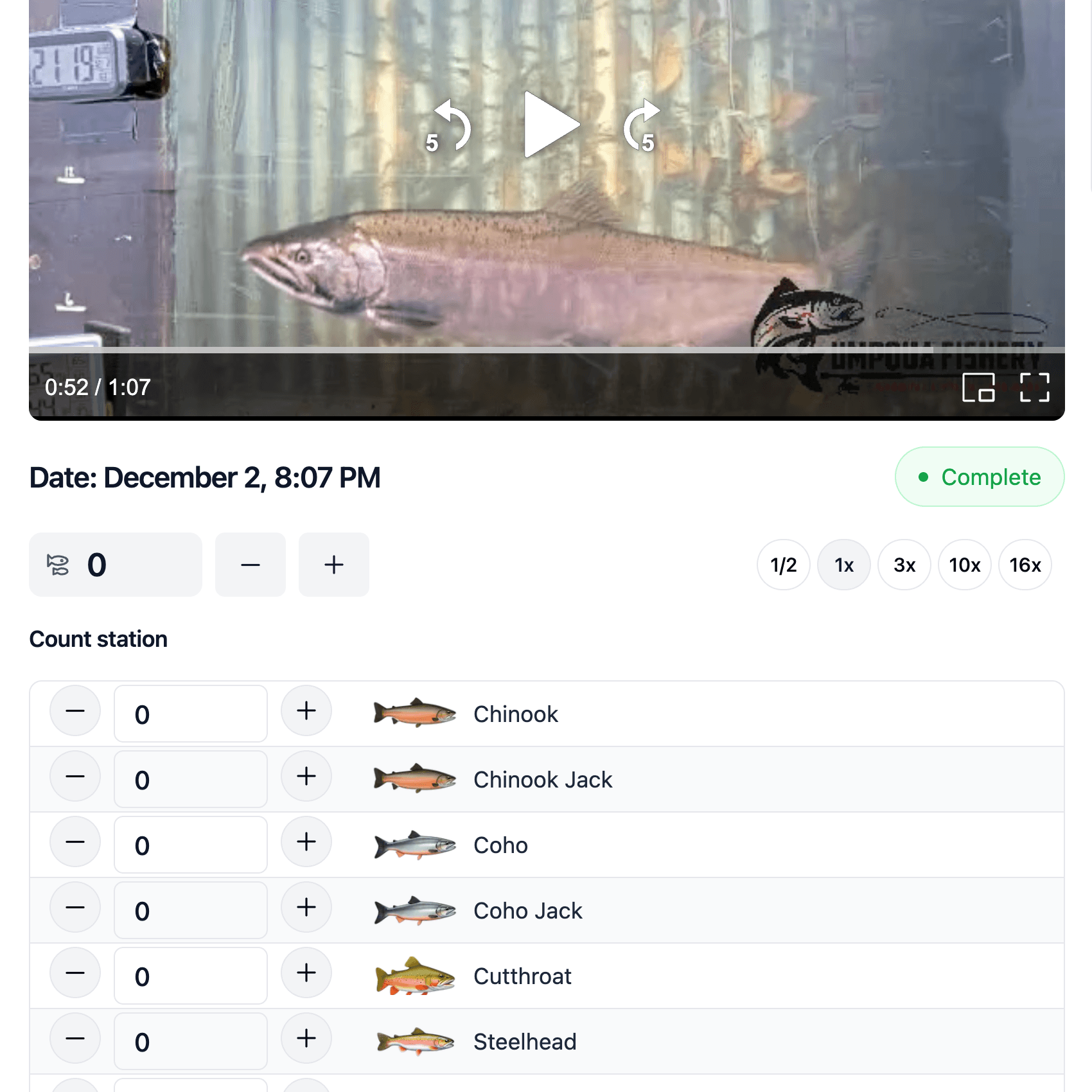
Expert verification
Reviewers control playback, confirm the count and species, and complete each event.
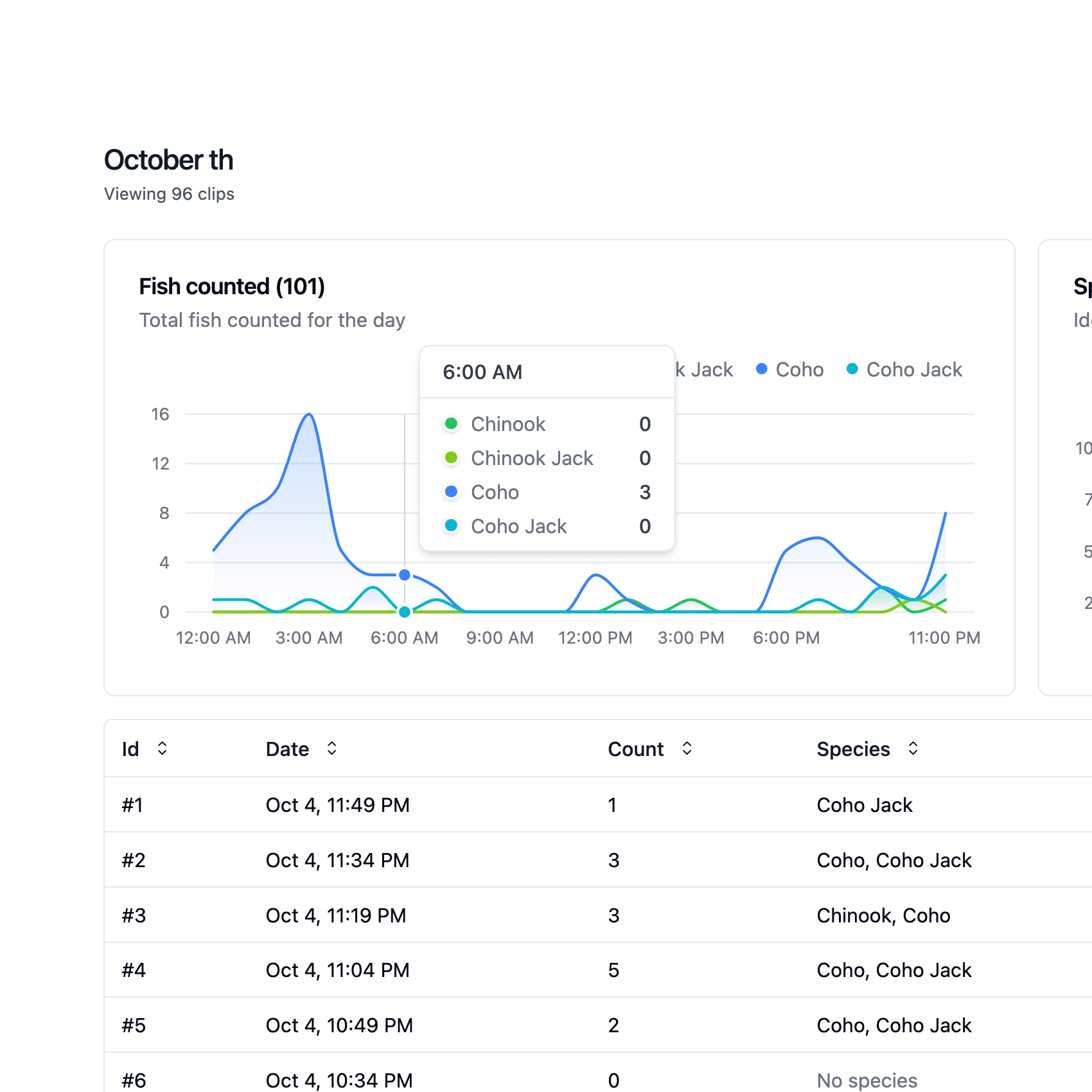
Passage reports
Verified events become counts, timelines, species views, and charts in the same workspace.
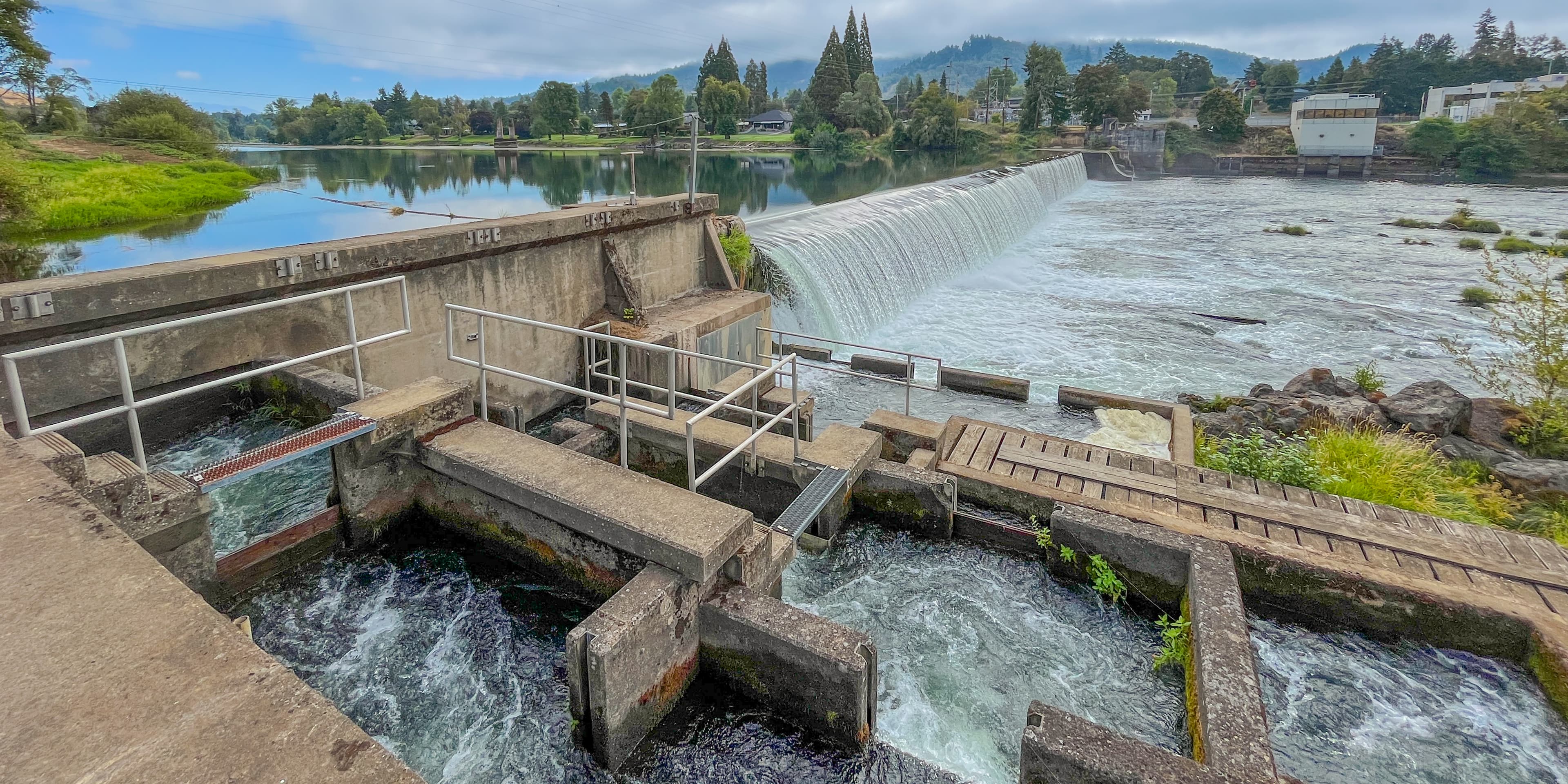
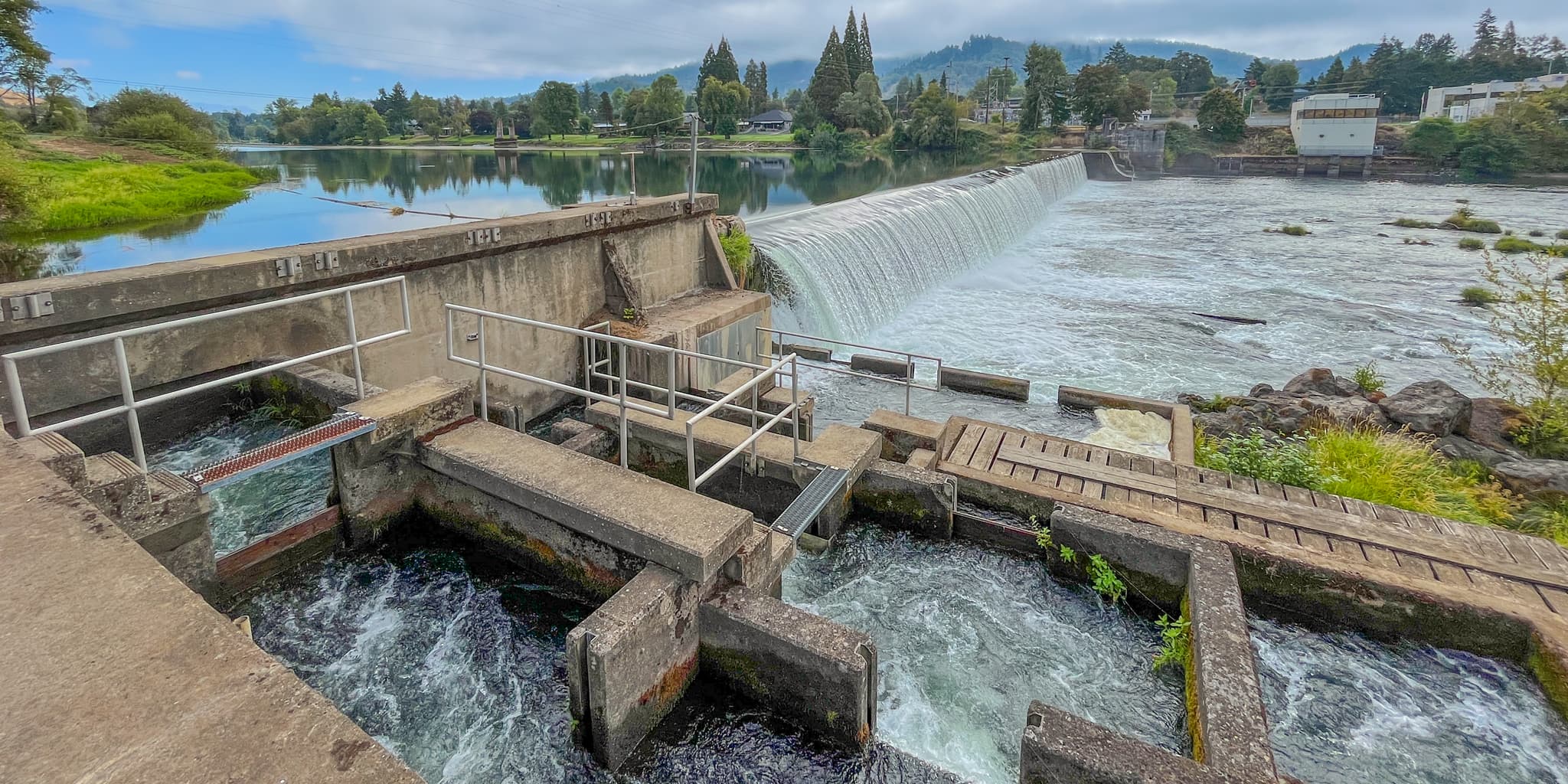
Fish passage at Winchester Dam
The Umpqua Fishery Enhancement Derby uses Fish Tracker to monitor passage at Winchester Dam near Roseburg, Oregon. A fish ladder camera records around the clock while the software supports review of salmon, steelhead, and other fish moving through the window.
Computer vision built for fish passage
We have worked on automatic fish detection for several years. Recent advances in computer vision have made detection practical in footage that was hard to handle not long ago, and we keep improving it on real passage video.
Trained on real passage footage
Our detection models learn from thousands of labeled images taken from live fish ladder video.
Built for the hard frames
Night footage, turbid water, and fish that pass in groups are the cases we keep training against.
Held to a reviewer standard
Detection surfaces the events. Your reviewers confirm the count and species before anything reaches a report.
Built for fish passage monitoring
Fish Tracker brings passage footage, review decisions, counts, and reporting into one workspace.
Efficiency
Start each review session with likely passage events organized by date.
Source video
Keep the passage clip beside the counting controls while each event is reviewed.
Remote access
Give authorized reviewers access to video and passage data from any location.
Team workflow
Give biologists, operators, and project partners a consistent process for reviewing passage.
Passage trends
Explore counts, timelines, species views, and charts built from verified events.
Cloud backup
Keep footage backed up in the cloud and available to your team.
Common questions
Every monitoring site has its own footage, species, and reporting requirements.
What footage works with Fish Tracker?
Performance depends on the camera view, lighting, water clarity, fish size, and target species. Representative footage from your site gives us the best starting point for assessing fit.
Who confirms the final count and species?
Your reviewers make the final decision. Fish Tracker surfaces likely passage events and provides the playback, counting, and species controls used to complete each review.
How do lighting and visibility affect monitoring?
Video quality shapes what can be identified. We review daytime, nighttime, seasonal, and low-visibility footage before setting expectations for a site.
Can our team review footage remotely?
Yes. Authorized reviewers can access passage video and count data through the Fish Tracker cloud workspace from any location.
How do we assess whether our site is a good fit?
Start with a short conversation and representative footage. We will review your camera view, target species, recording process, and reporting needs with you.
Tell us about your monitoring site
Get on a call with us to discuss your footage, target species, and current counting process.